Feature Documentation
Table of Contents
Overview
ElectroSpotmatic is a professional iOS camera application that brings advanced manual controls and computational photography capabilities to iPhone and iPad. Built with modern iOS technologies including AVFoundation, Metal, and MetalPetal, it provides photographers with the tools they need for creative and technical photography.
Key Highlights
- Professional manual camera with intuitive controls
- RAW and ProRAW photo capture support
- High-quality video recording with manual controls
- iOS 18+ Control Center widgets and Camera Control hardware integration
- Locked camera extension for quick access from lock screen
- Content Credentials integration for photographer attribution
Camera Controls Overview
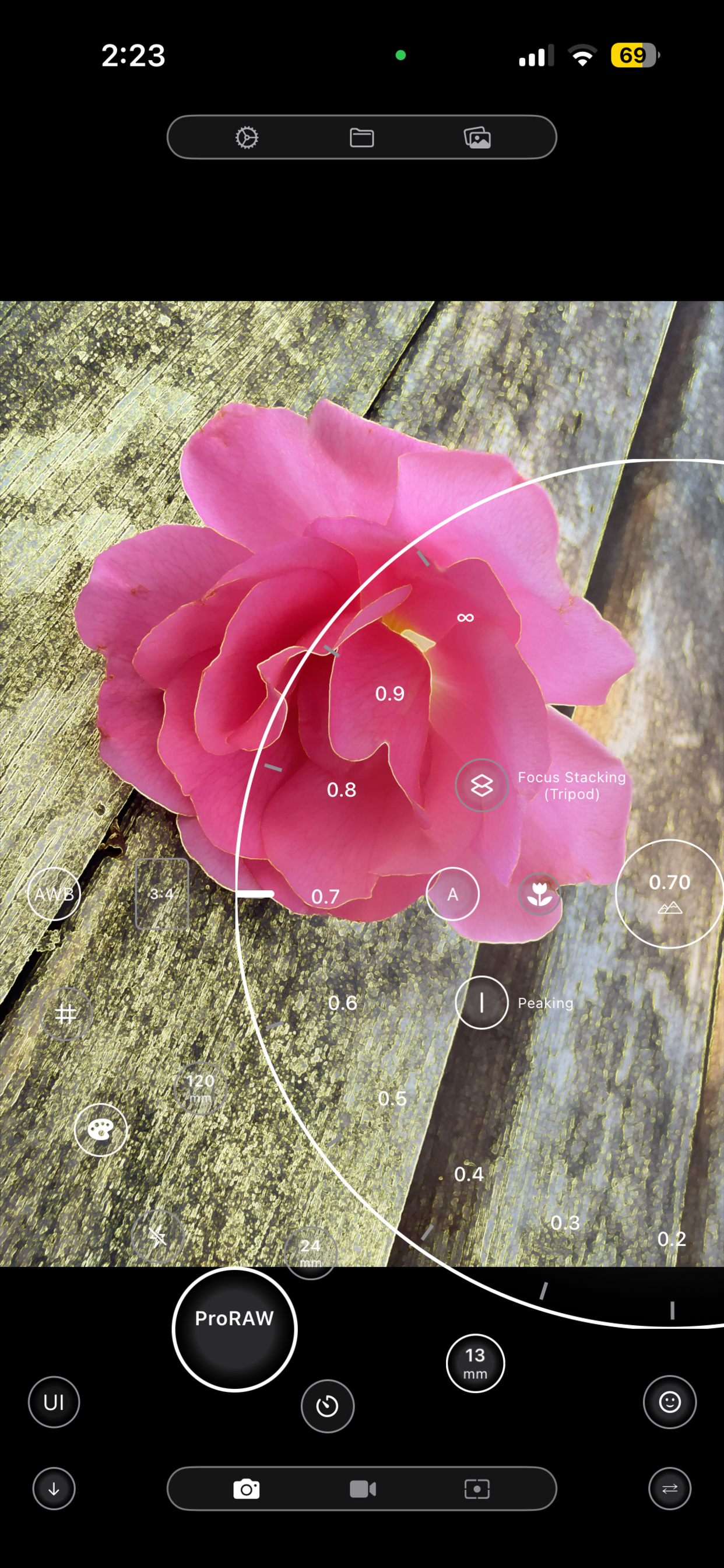
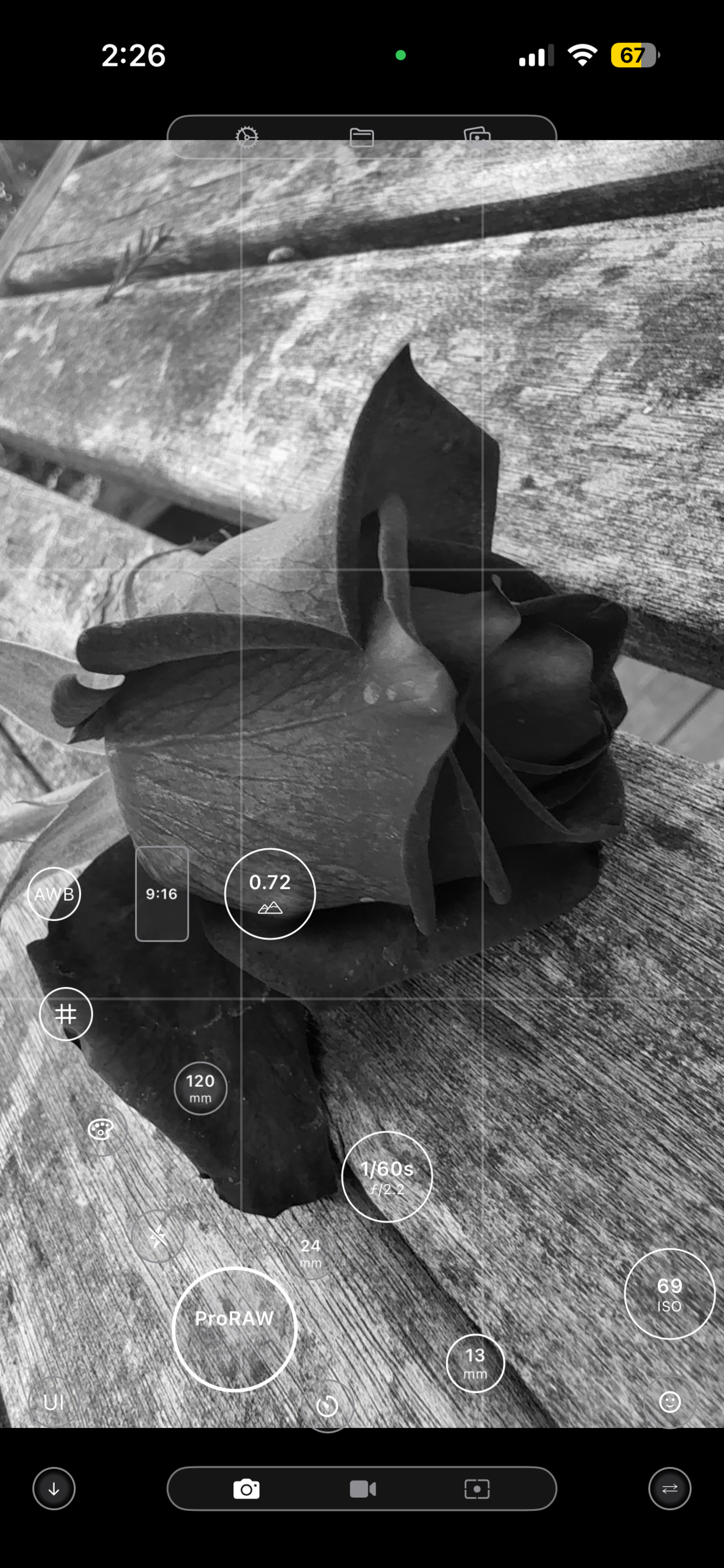
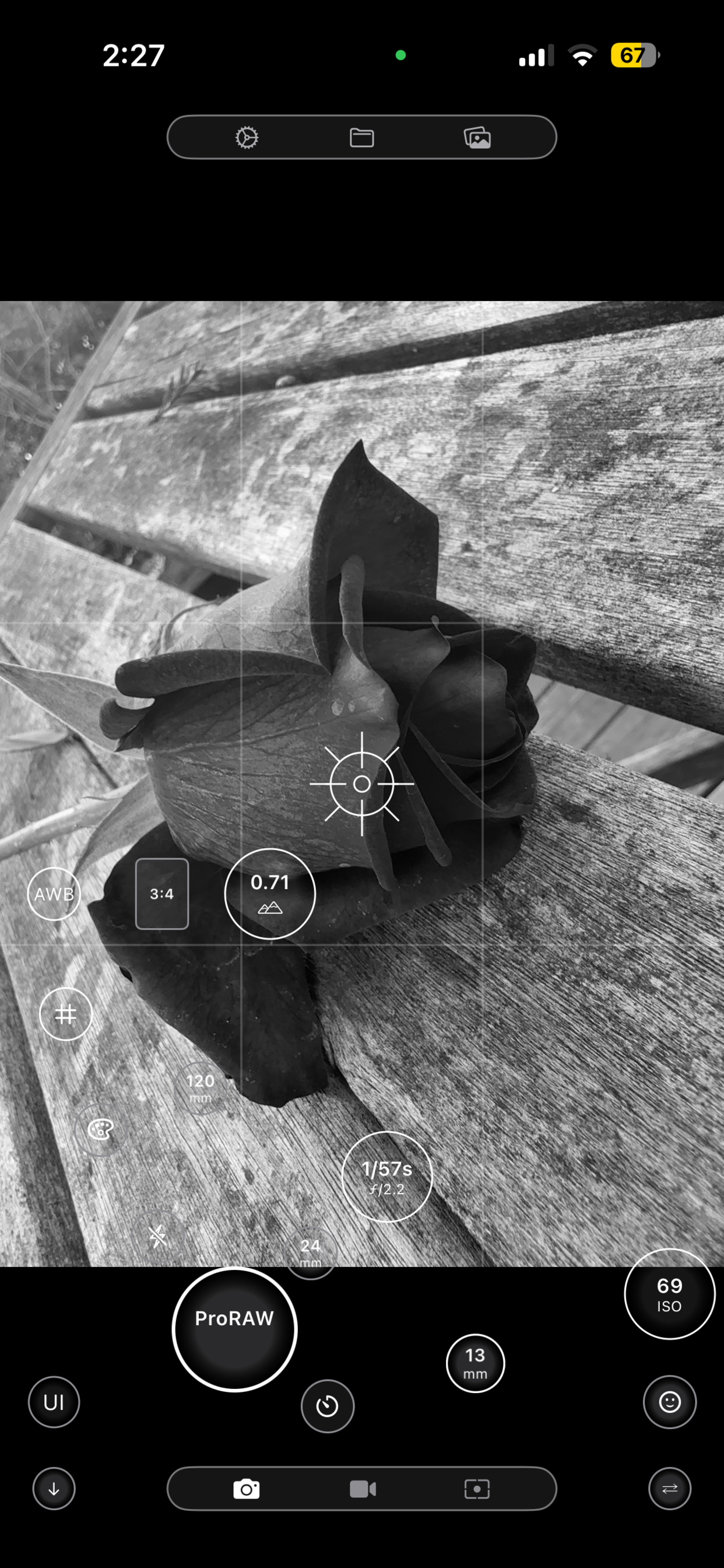
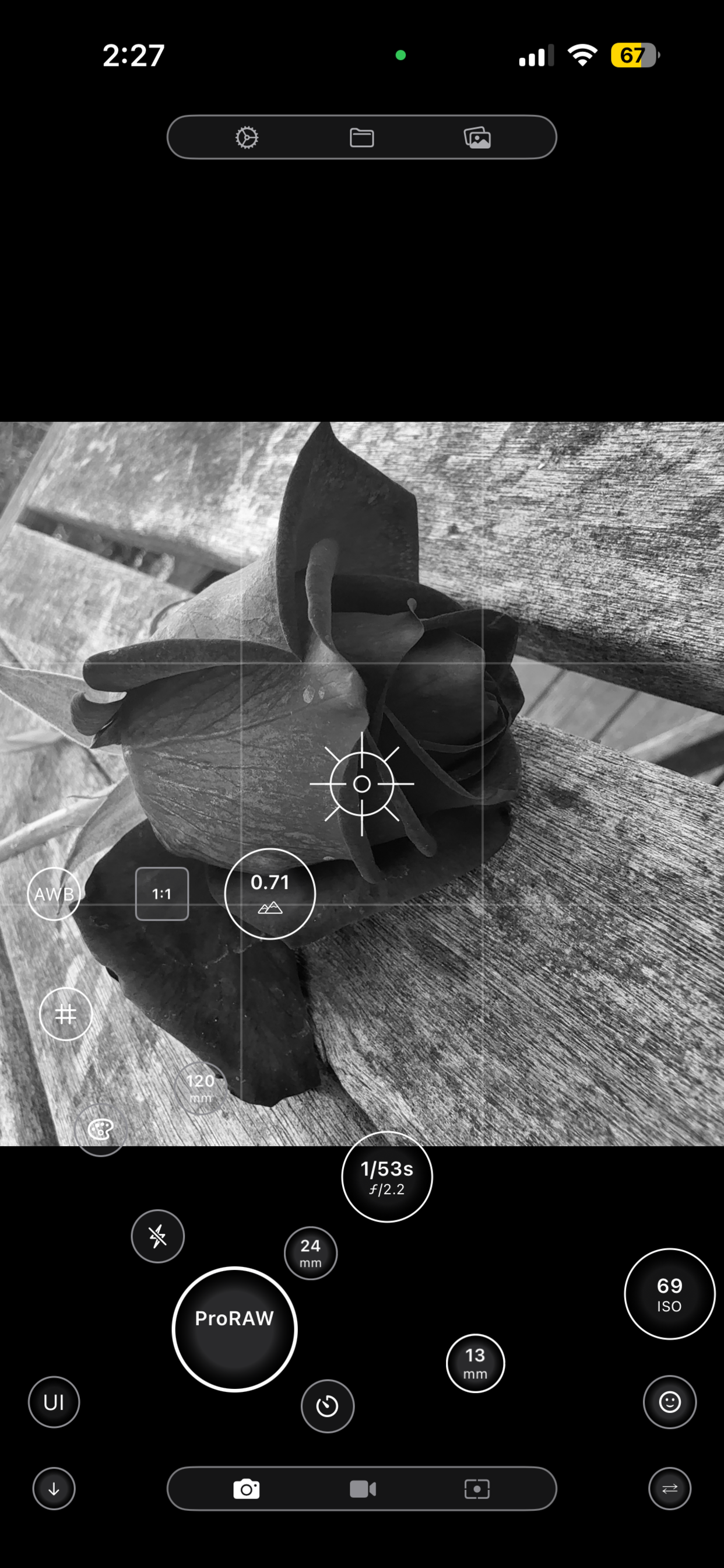
The ElectroSpotmatic camera interface provides intuitive access to professional manual controls. Click the diagram below to view a full-size annotated guide to all camera controls.
Core Photography Features
Photo Capture Formats
- Standard (HEIF/JPEG) with computational photography
- DNG (RAW) for maximum editing flexibility
- ProRAW (iPhone 12 Pro and later)
Camera Controls
- Manual focus control (0.0 to 1.0 range)
- ISO sensitivity (Generally 25-6400, device-dependent)
- Shutter speed (Generally 1/2000s to 1/2s, device-dependent)
- Exposure compensation (-2 to +2 EV)
- White balance control
- Flash control
Light Metering
- Built-in light meter with real-time readings
- Exposure value (EV) display
- Histogram visualization
- Focus peaking for manual focus assistance
Camera Selection
- Front and rear camera switching
- Ultra-wide, wide, and telephoto lens support
- Automatic camera capability detection
- Device-specific feature optimization
Manual Camera Controls
Three-Ring Circular Control System
The heart of ElectroSpotmatic's manual capability is provided by rotary controls that you can access by tapping the buttons in an arc onscreen:
ISO Ring
- Range: 100-1000 (expandable to device limits)
- Logarithmic adjustment for natural feel
- Real-time preview of noise levels
- Auto-ISO mode available
Exposure
- Range: -5 to +5 EV
- Continuously variable values
- Real-time exposure preview
- Exposure lock capability
Focus
- Linear focus distance control
- Focus peaking overlay
- Tap-to-focus support
Additional Manual Controls
Shutter Speed Control
- Range: 1/2000s to 1/2s
- Logarithmic stop progression
- Bulb mode support (where available)
White Balance
- Auto white balance
- Preset white balance modes
Flash Control
- Auto, on, off modes
Computational Photography
Advanced Multi-Frame Capture
ElectroSpotmatic includes sophisticated computational photography algorithms for creating enhanced images from multiple captures. For detailed guides on each feature, see the Computational Photography Guide.
Focus Stacking
- 7-15 image capture sequences
- Automatic focus range calculation
- Multiple blending algorithms
- Gradient-based sharpness detection
- Laplacian pyramid processing
- Memory-optimized processing
Motion Removal
- 7-15 image capture sequences
- MAD Sigma Clipping algorithm
- Percentile-based outlier removal
- Motion artifact detection
- Ghosting reduction
- Adaptive threshold adjustment
Exposure Bracketing
- 3-7 image sequences
- Automatic exposure range calculation
- Custom EV step sizes
- HDR tone mapping
- Highlight and shadow recovery
Image Processing Pipeline
Metal-Based Processing
- GPU-accelerated image processing
- MetalPetal framework integration
- Custom Metal shaders for specialized algorithms
- Memory-efficient processing pipeline
- Background processing with progress tracking
Video Recording
High-Quality Video Capture
ElectroSpotmatic provides professional video recording capabilities with manual controls and advanced features:
Video Formats
- H.264 (wide compatibility)
- HEVC/H.265 (better compression and 10-bit HDR video support)
- 4K recording support
- Variable frame rates (24fps, 30fps)
- Adaptive quality scaling
Manual Video Controls
- Manual focus during recording
- ISO control for video
- Exposure compensation
- White balance control
Special Video Modes
- Black & white video recording
- Real-time Metal-based rendering
- Aspect ratio control
- Focus peaking for video
- Grid overlay options
Video Processing Features
Advanced Video Pipeline
- VideoIO.MovieRecorder integration
- Asynchronous asset writing
- Memory-aware frame queue management
- Background task protection
- Automatic video file preservation
iOS Extensions
Control Center Widgets (iOS 18+)
ElectroSpotmatic provides Control Center widgets for quick access to camera functionality:
Open App Widget
- Quick app launch from Control Center
- Camera circle icon
- One-tap access to main app
Launch + Capture Widget
- App launch with immediate photo capture
- Lightning bolt icon
- One-tap photo capture workflow
Locked Camera Extension
Professional camera access directly from the lock screen using the Camera Control hardware button:
Hardware Button Integration
- Light press: Cycle through control modes
- Slide gestures: Parameter adjustment
- Deep press: Photo/video capture
- Haptic feedback for all interactions
Manual Controls
- ISO control (25-6400 range)
- Shutter speed (1/2000s to 1/2s)
- Focus control (0.0 to 1.0)
- Exposure compensation (-2 to +2 EV)
- Auto mode with exposure compensation
Settings & Configuration
Photo Settings
- Photo format selection (Standard/RAW/ProRAW)
- Shutter sound toggle
- Face detection enable/disable
- Content Credentials configuration
- Location metadata preferences
Video Settings
- Video format (H.264/HEVC)
- Frame rate selection (24fps/30fps)
- Video quality preferences
- Audio recording options
Computational Photography
- Focus stacking algorithm selection
- Motion removal algorithm choice
- Image alignment algorithm
- Processing quality settings
Content Credentials
- Photographer name
- Organization
- Email address
- Homepage/website URL
- Credential reset functionality
- Credential credentials exclude your images from AI training
Technical Specifications
Core Technologies
- Framework: AVFoundation, Metal, MetalPetal
- UI Framework: SwiftUI with UIKit integration
- Image Processing: Core Image, Metal compute shaders
- Video Processing: VideoIO, VideoToolbox
- Extensions: App Intents, Camera Capture Intents
Performance Optimizations
- Memory pressure monitoring and optimization
- Background task management
- Concurrent processing with thread safety
- GPU-accelerated image processing
- Adaptive quality scaling based on device performance
File Format Support
- Photo: HEIF, JPEG, DNG, ProRAW
- Video: H.264, HEVC
- Metadata: EXIF, GPS, Content Credentials
- Storage: Local device storage, Photo Library integration
System Requirements
Minimum Requirements
iOS 18.0 or later
iPhone
At least 100MB free space
2GB RAM minimum
Recommended Requirements
iPhone 12 Pro or later for ProRAW
1GB+ for RAW photo workflows
4GB+ RAM for computational photography
Multiple lens system for advanced features
Required Permissions
Required for manual camera controls
Required for saving captured photos
For GPS tagging of photos
For video recording with audio
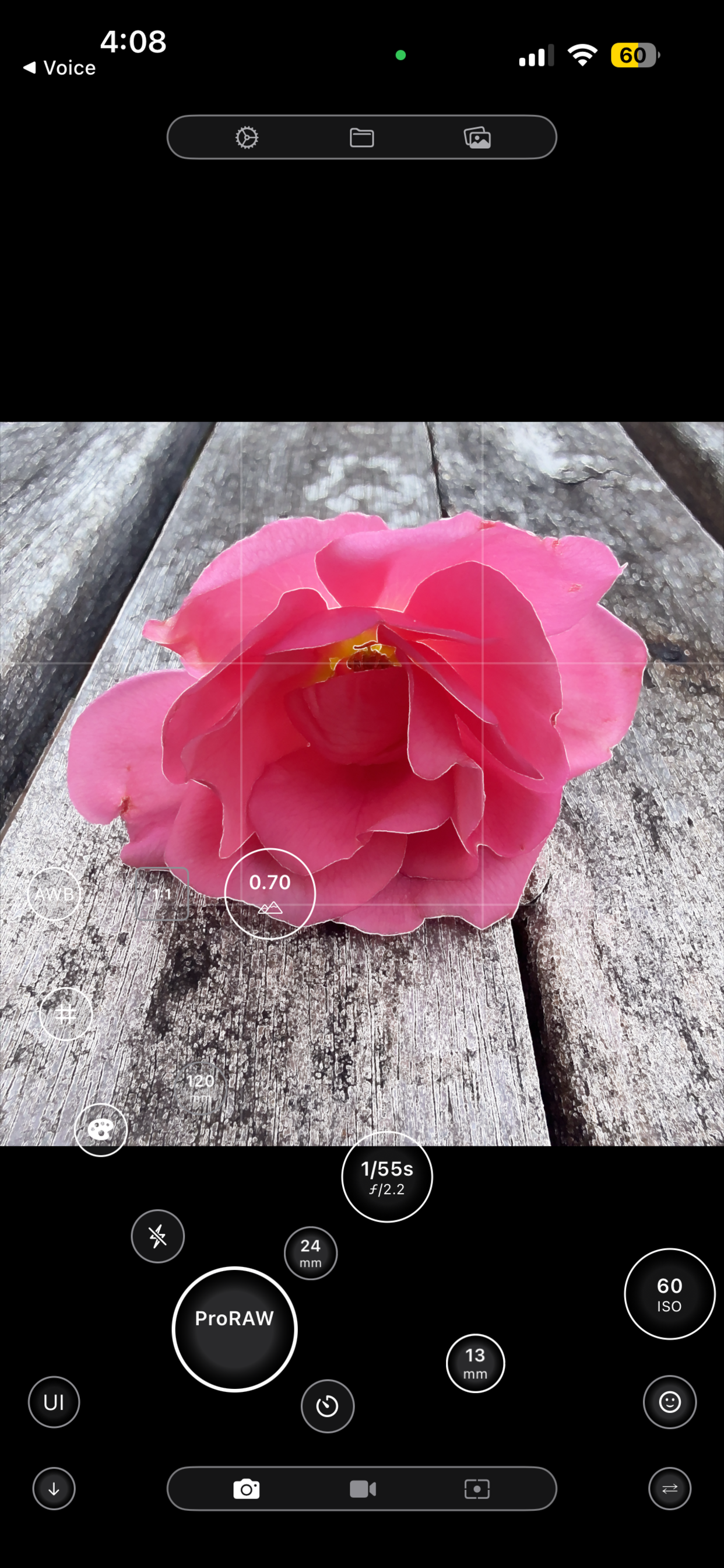
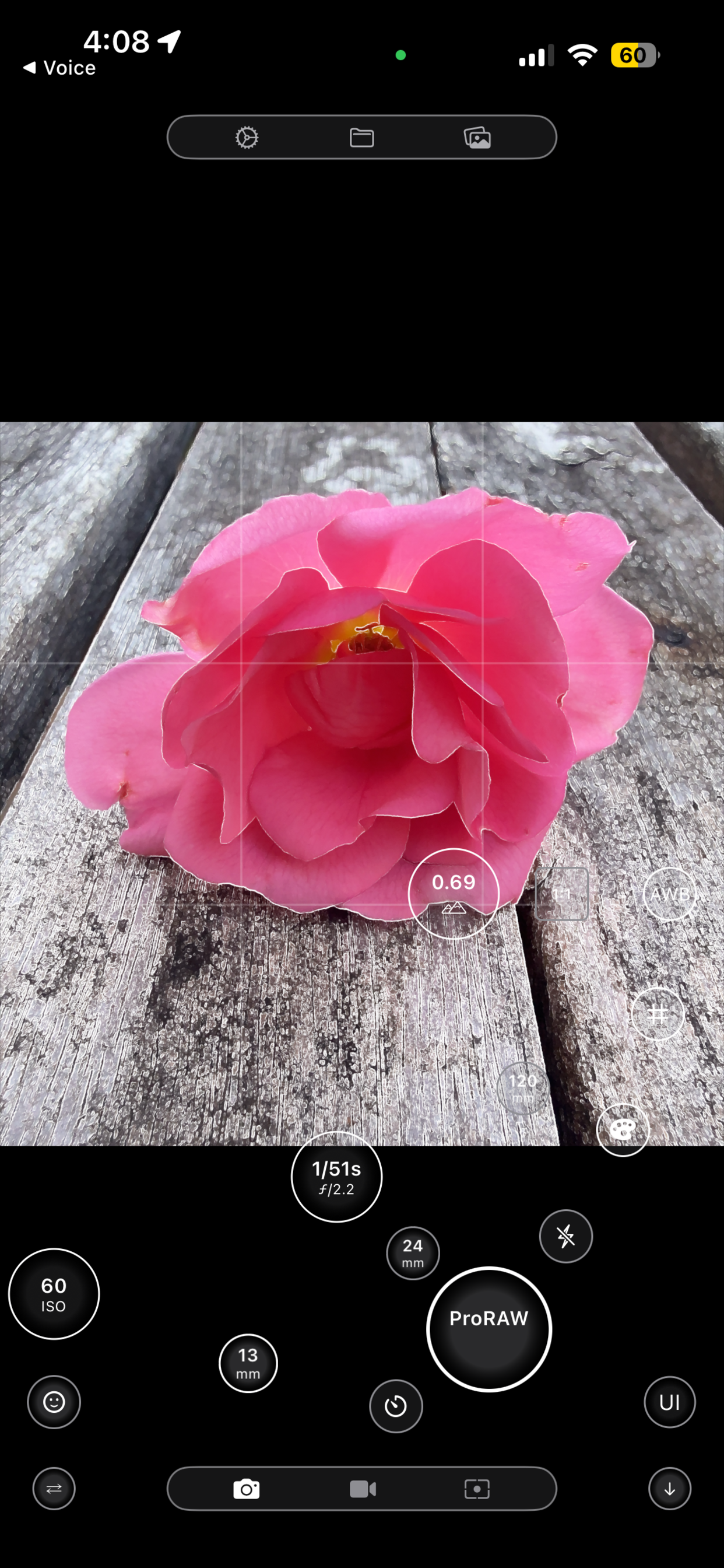
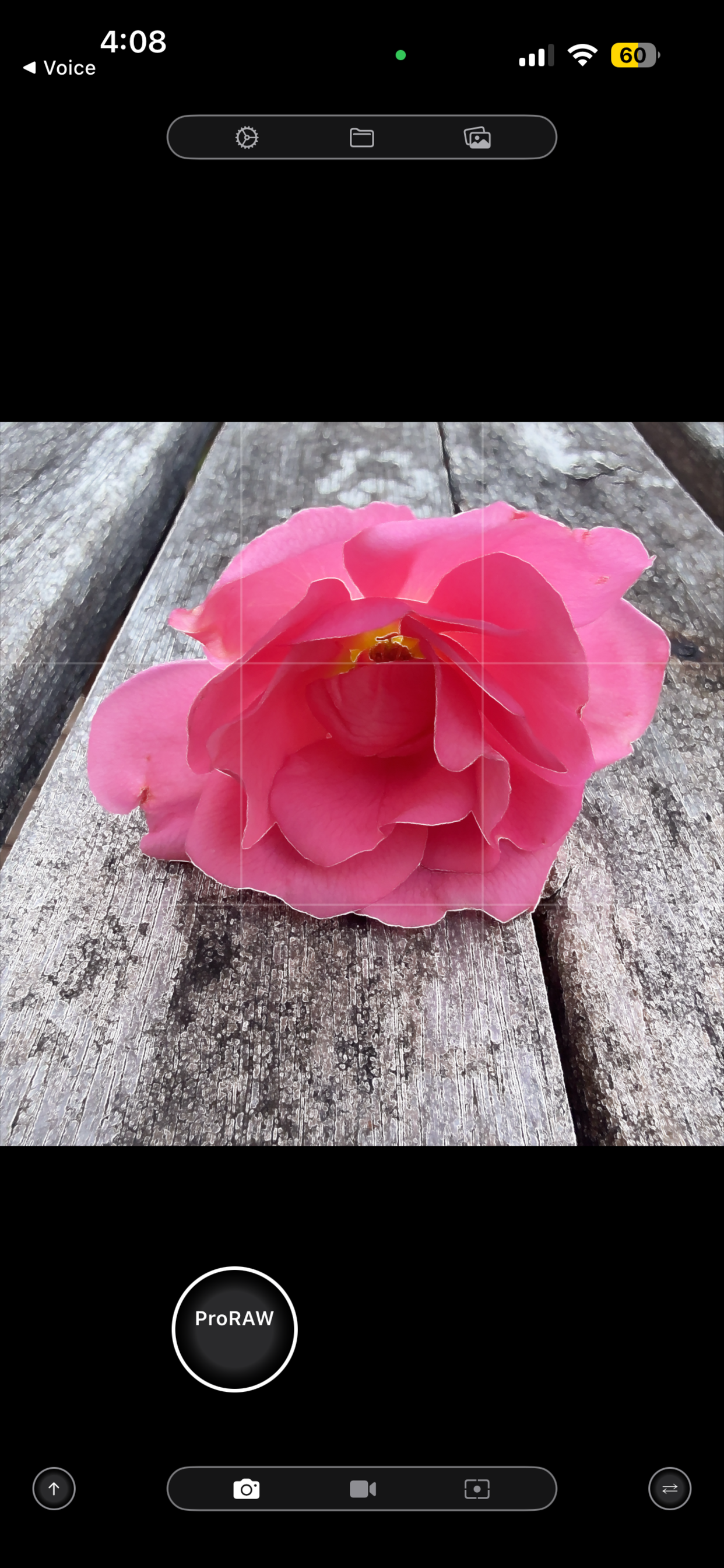
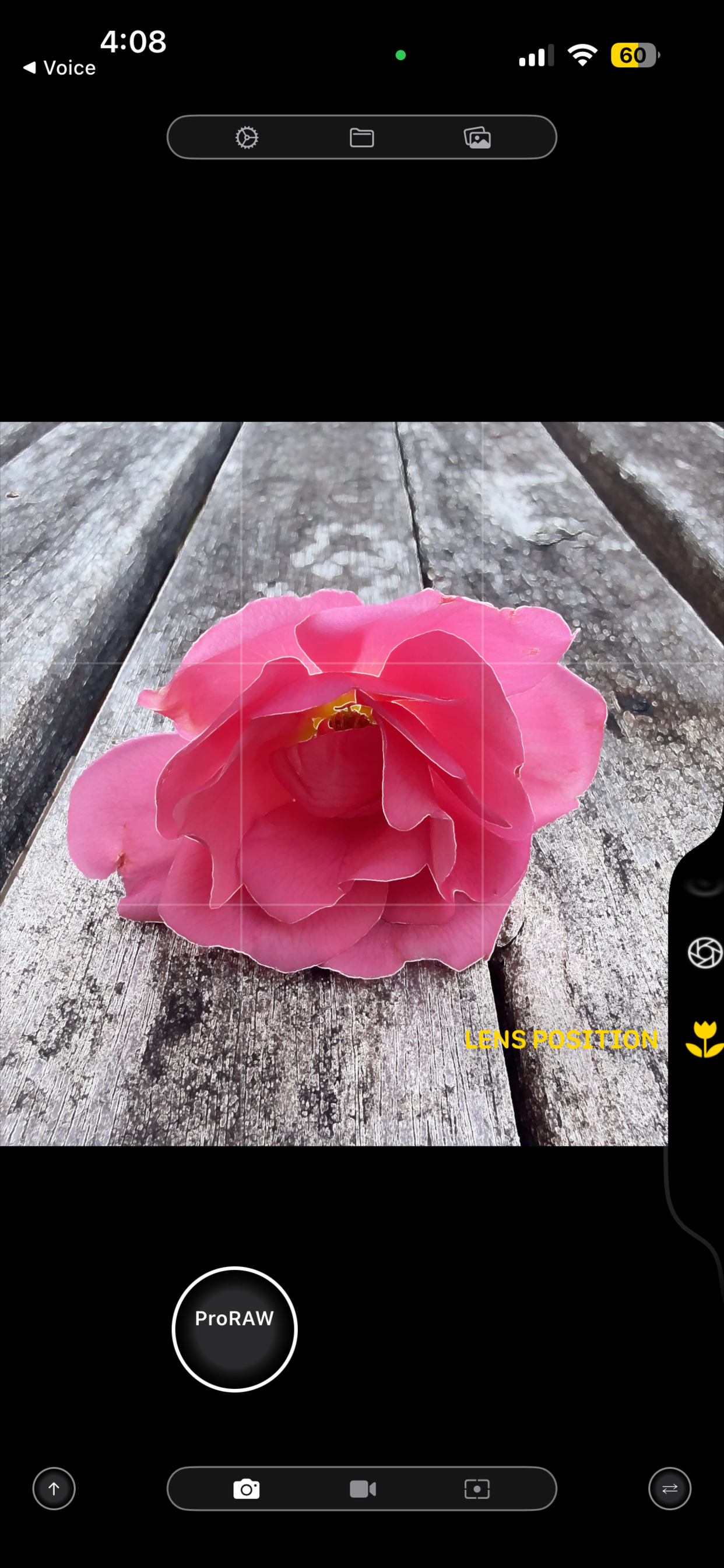
App Screenshots
Acknowledgements
Open Source Libraries
ElectroSpotmatic uses the following open source projects:
- MetalPetal - GPU-accelerated image processing framework
https://github.com/MetalPetal/MetalPetal - focus-stack - Wavelet-based focus stacking algorithm reference implementation
https://github.com/PetteriAimonen/focus-stack
We are grateful to the developers and contributors of these projects for their excellent work.