The companion — iPhone · iPad · Mac

Develop it
later,
anywhere.

SpotmaticMagic reprocesses any sequence of images with the same computational methods as the camera — then lets you fine-tune the result and reach for a filter.

Download on the App Store
SpotmaticMagic

What it does

Reprocess a sequence

01

Bring in any sequence of images and run it through the computational pipeline again — no second trip out to shoot.

The whole toolkit

02

Natural and Vibrant HDR, focus stacking, motion removal, long exposure and image alignment — the same methods as ElectroSpotmatic.

Fine adjustments

03

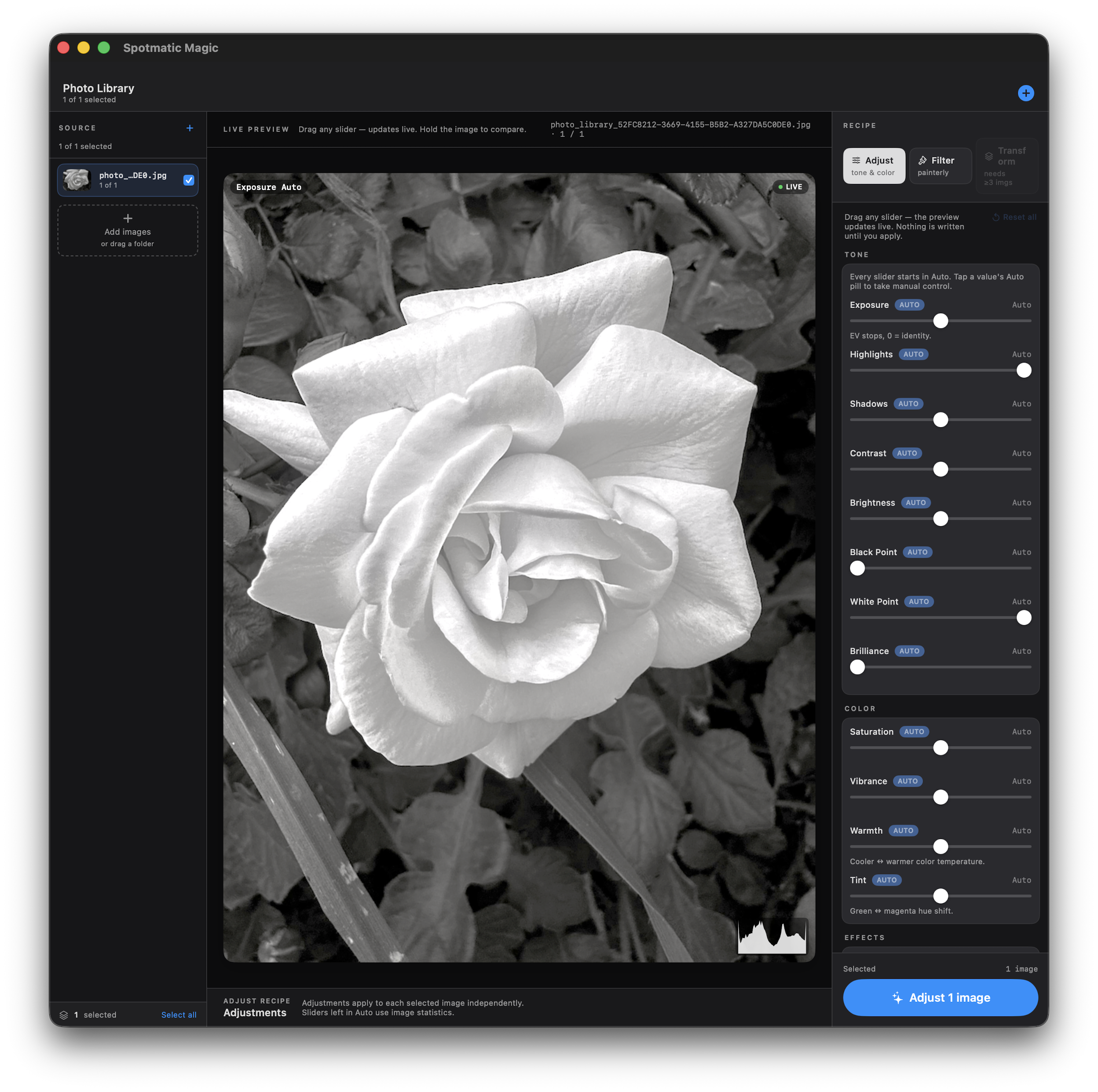
Dial in exposure, contrast, brilliance, highlights and more — each with an Auto starting point.

Filters

04

Finish with a painterly look, including a watercolor transformation, applied right on the frame.

On every screen

05

A single app for iPhone, iPad and Mac, so the darkroom is wherever you happen to be.

Stays on device

06

All processing runs locally. Your images are never uploaded and never leave your device.

Adjust — tone & color

Every adjustment, with an Auto to start from.

ExposureContrastBrillianceHighlightsShadowsBrightnessBlack PointSaturationWarmthTintSharpnessWatercolor

Prefer to read the details first? See the Computational Photography Guide for how each method works.

Available now

Ready. Set. Get.

Scan to download on the App Store Download on the App Store